Product
Shipped and secured: What we added, fixed, and improved so far in 2026
2026-09-30
Did someone say 2026 is the Year of the Fire Horse? Because we’ve certainly been shipping like it.
Some updates are hard to miss. Others quietly make Controla more ridiculously easy to use.
Getting started got easier
The first step towards better cyber hygiene shouldn’t be figuring out how the tool works.
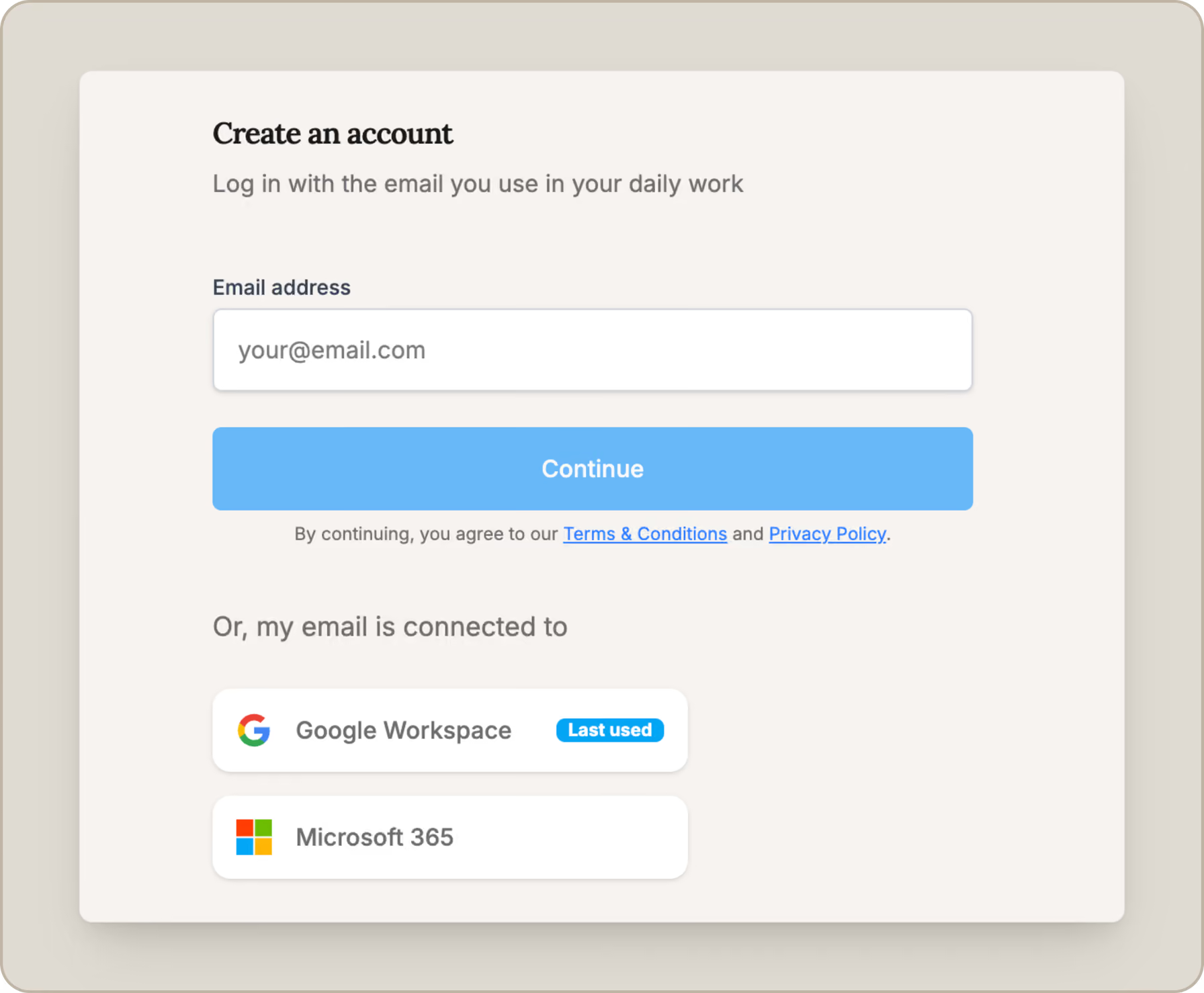
That’s why we’ve rebuilt our onboarding flow to make getting started with the platform more seamless. We’ve also added email and password sign-ups, giving users another way to create an account.
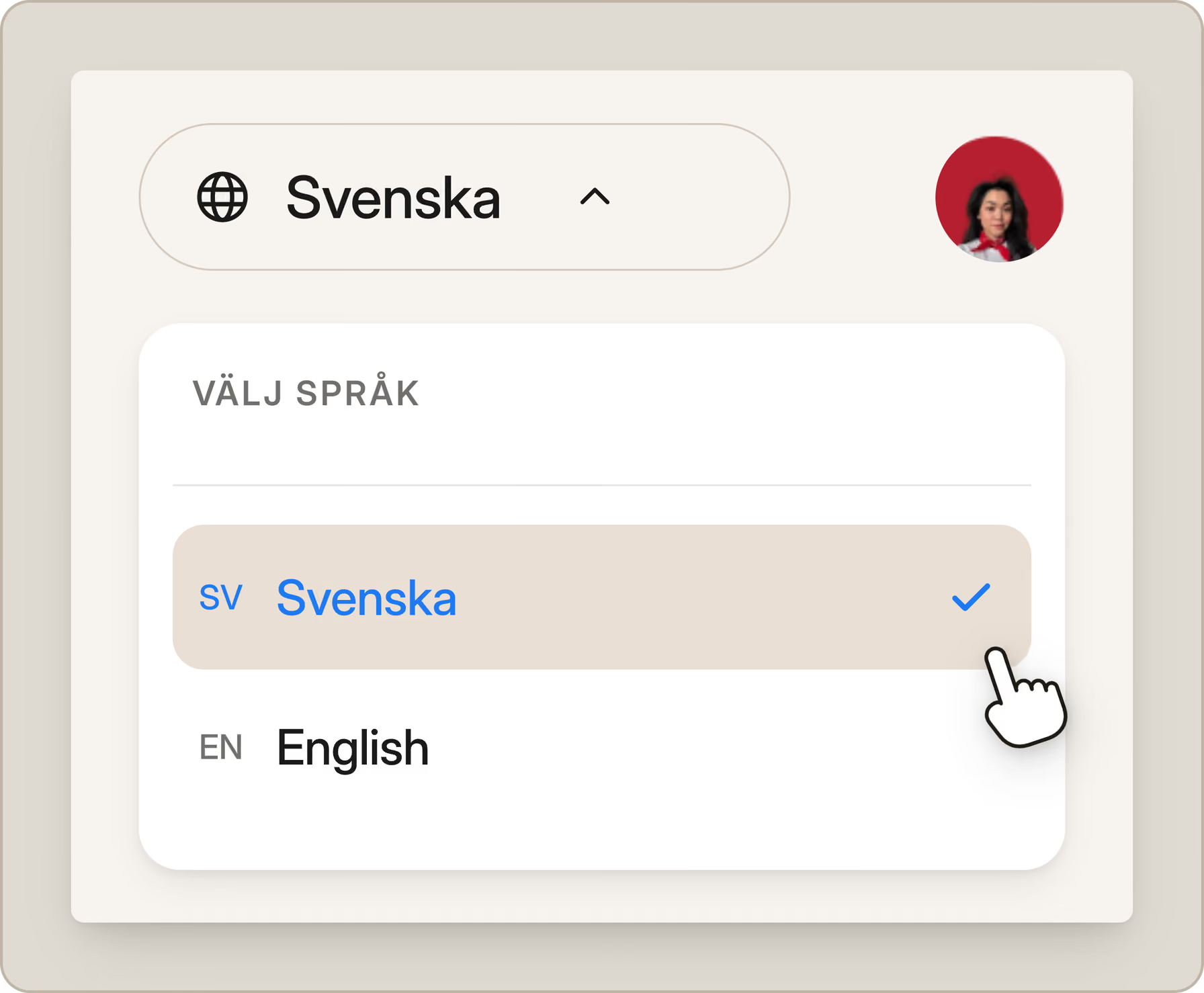
And for our Swedish users: Controla is now available in Swedish!
Small changes on paper, but together they make getting into Controla a whole lot smoother.
A clearer way to know what’s next
One of the biggest changes this year is how tasks look and feel.
We replaced the old grid-based task view with a timeline that guides you through what needs to be done next. We also went through the tasks themselves and redesigned the instructions to make them easier to follow.
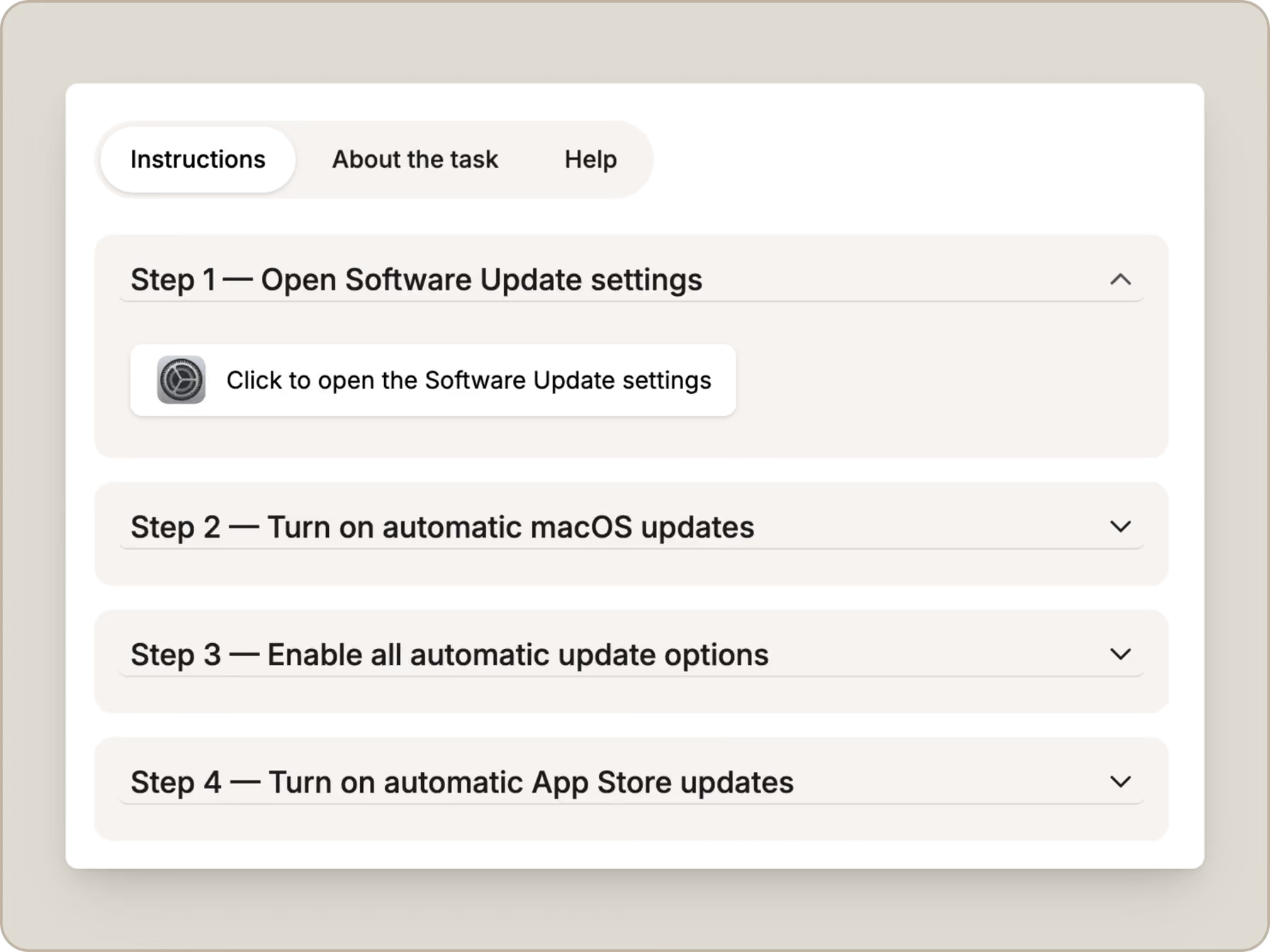
And because not every task needs to happen right this second, you can now snooze tasks for later or skip ones that aren’t relevant to you.
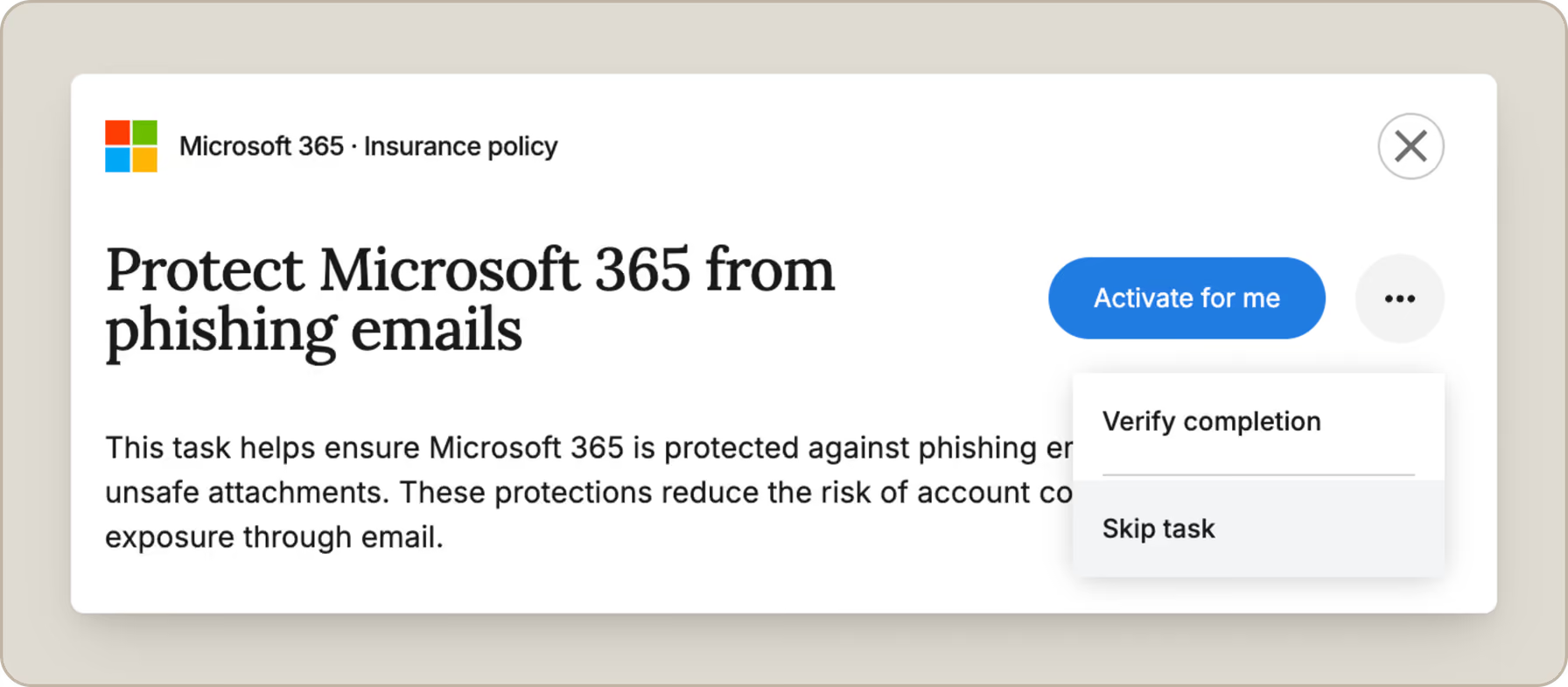
The goal is simple: less time figuring out what to do, more time getting it done — while catching Jim flying across the screen.

Controla comes to you
Good security shouldn’t depend on remembering to open Controla every day.
We’ve added notifications for new tasks and when you need to log in again, so you know when your attention is actually needed.
We’ve also introduced deep links from our emails into the app. If we email you about something that needs attention, the link can now take you straight to the right place instead of making you hunt for it yourself.
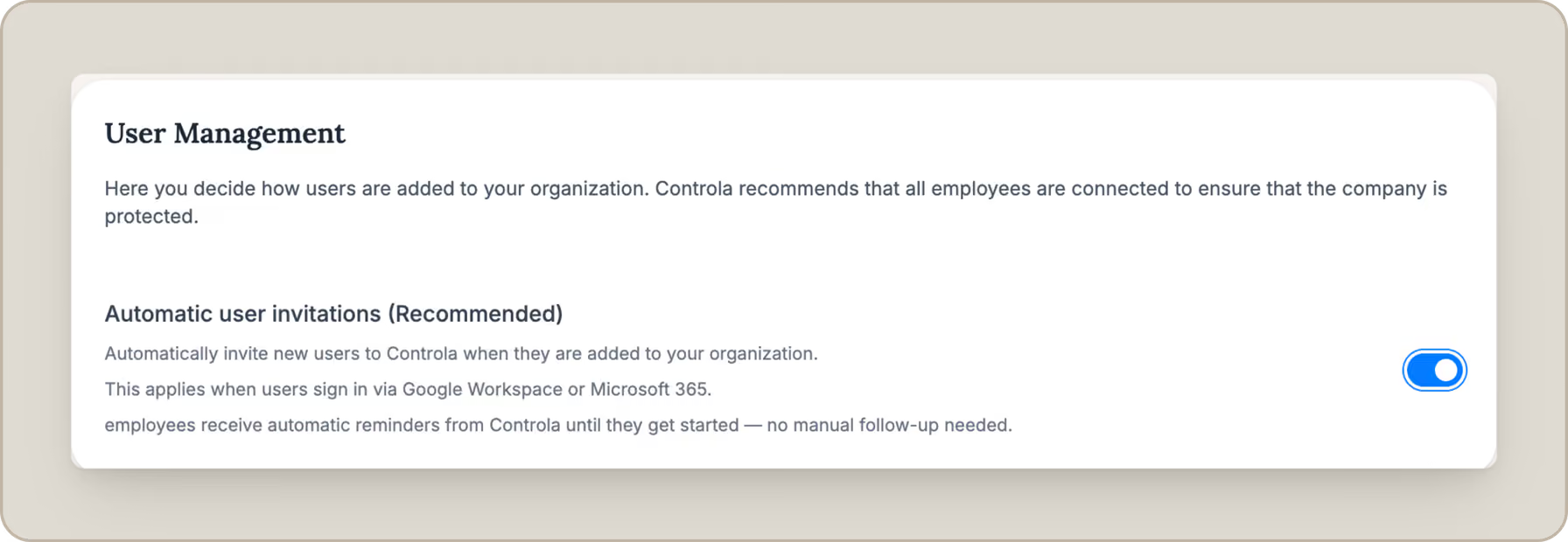
And for admins inviting their team, automatic invitation reminders mean less manual chasing when someone hasn’t joined yet.
More control for admins
Admins got a few bigger upgrades too.
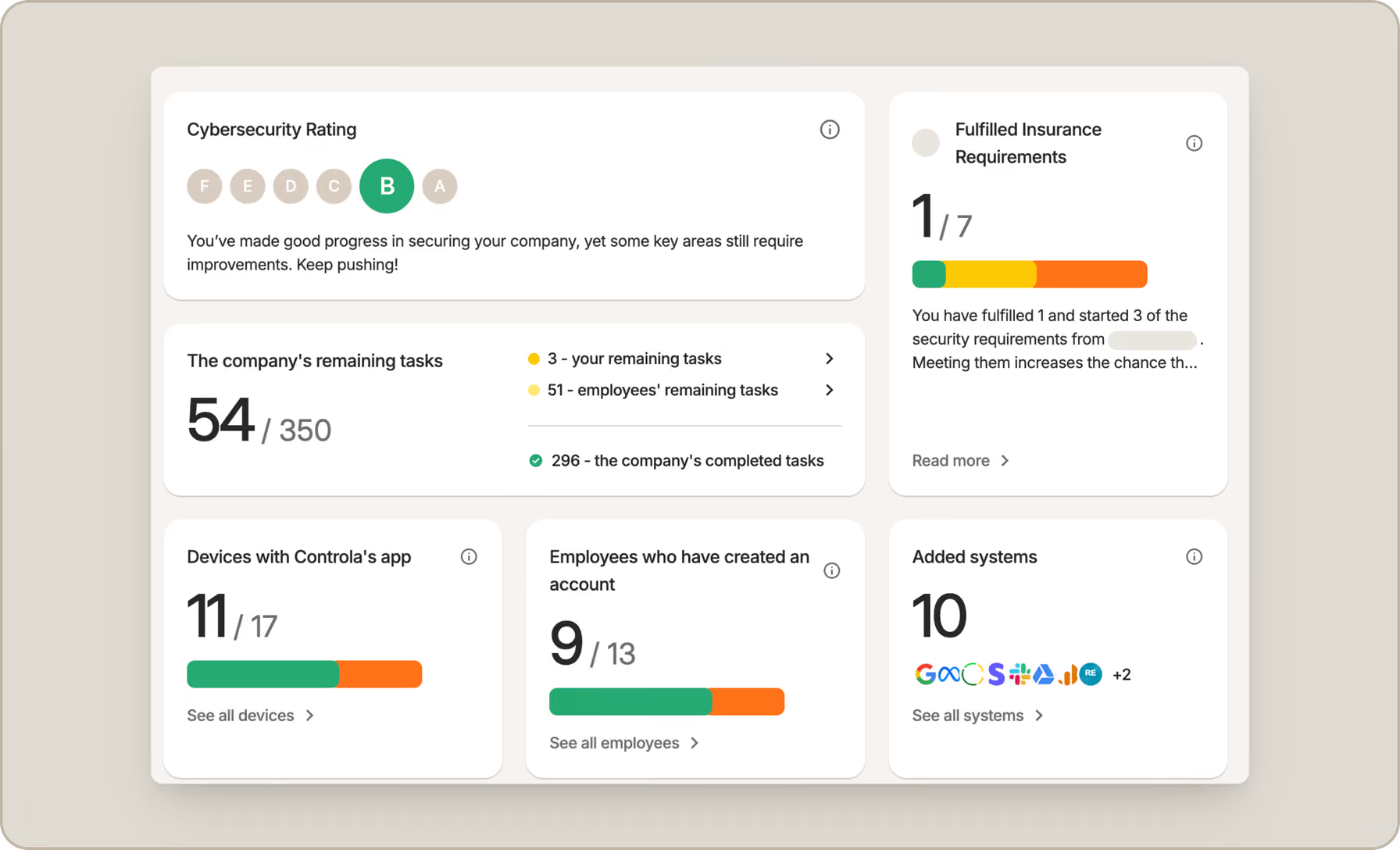
Based on interviews with more than 20 users, we’ve completely overhauled the Admin Overview. We replaced the old Company Status view to give admins better visibility of what’s happening across the organization.
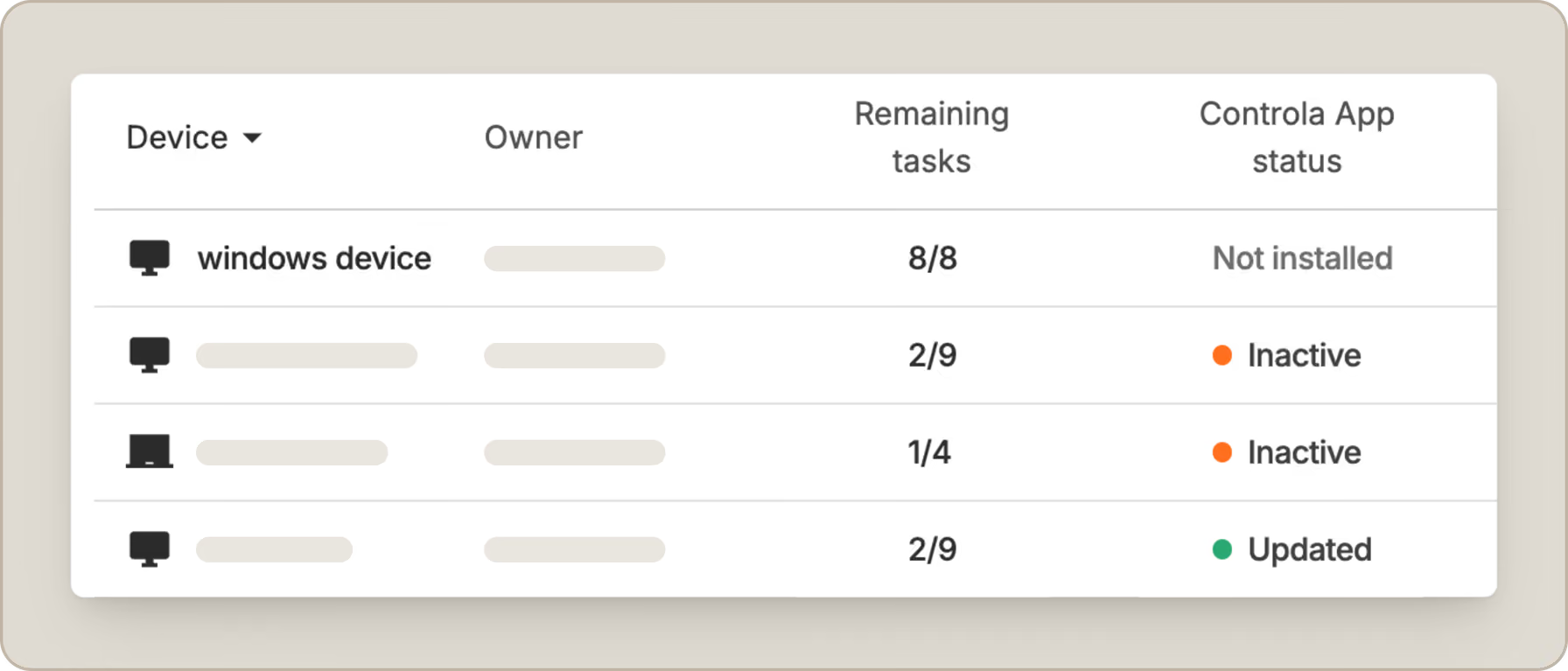
Admins can also now manage devices connected to the company.
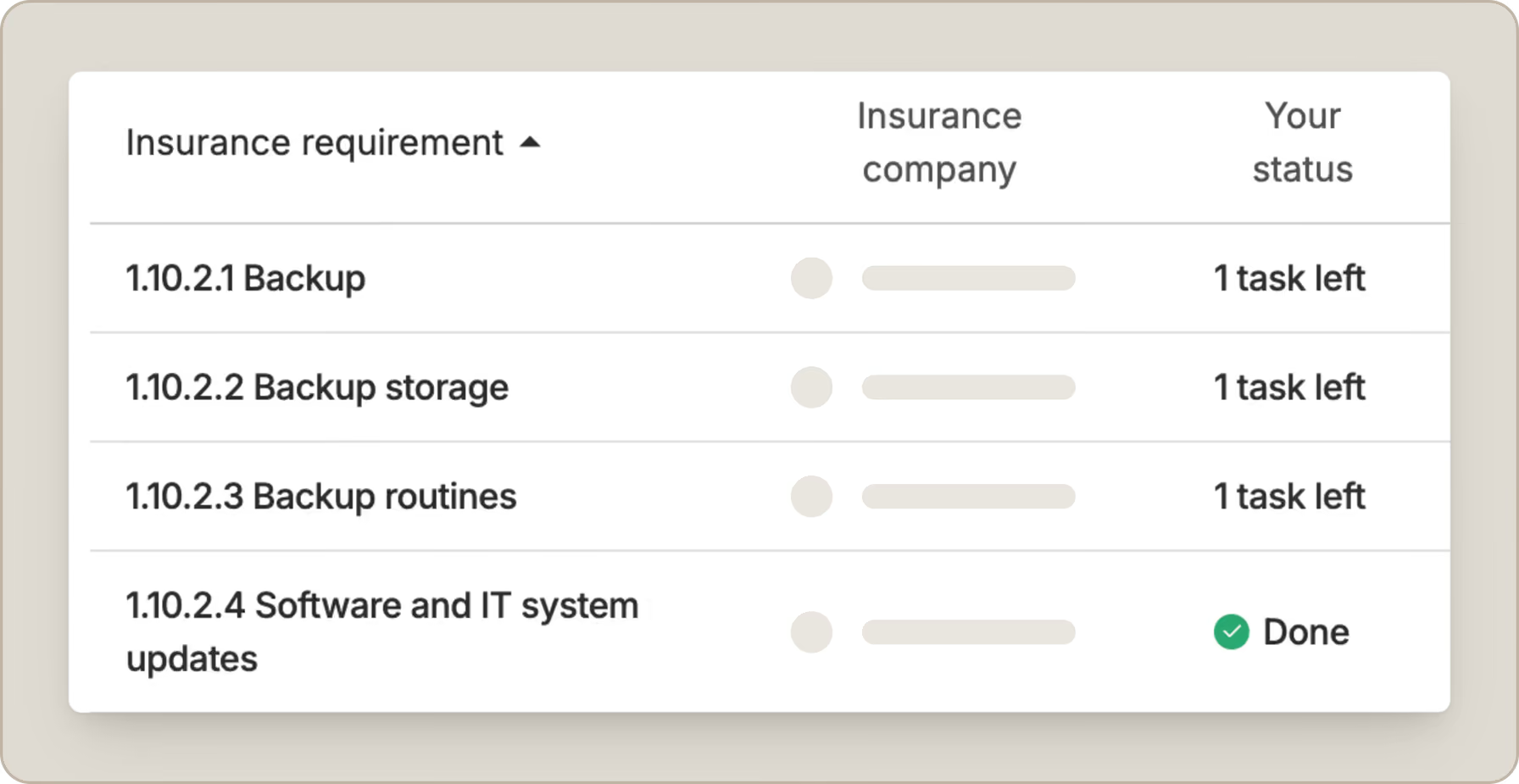
Lastly, we’ve added support for insurance-related security requirements, making it clearer which actions need to be completed to meet relevant requirements.
Backup is here
This one deserves a little extra attention.
You can now use the app to back up important files from your device, with 50 GB of backup storage included.
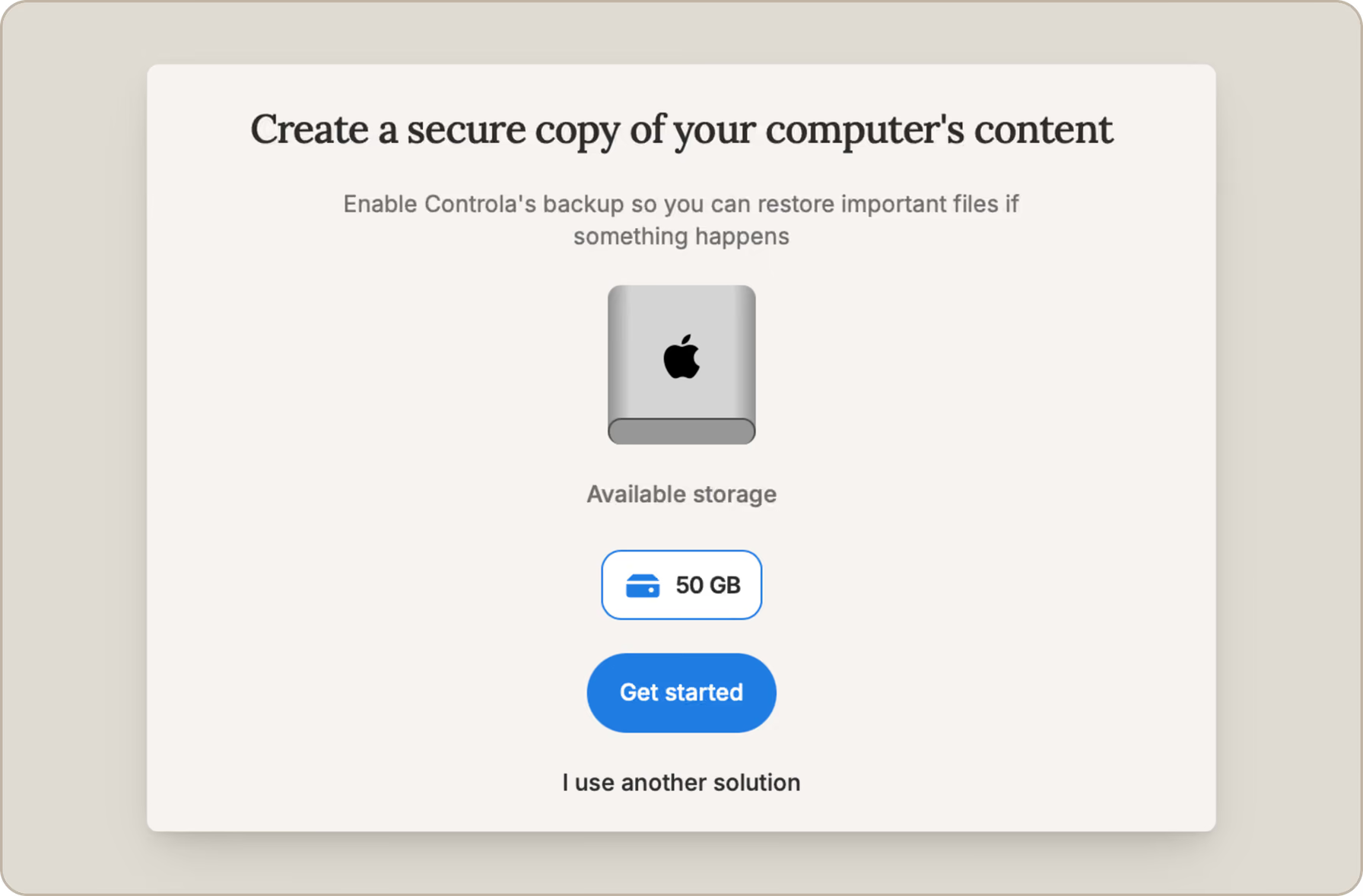
It’s another way to take care of one of the basics that can make a big difference when something goes wrong, whether that’s ransomware, a lost laptop, or a very unfortunate encounter between your coffee and your keyboard.
Don’t have the Controla app yet? Download the app and start backing up!
WordPress joined the party
We also launched the Controla WordPress plugin.
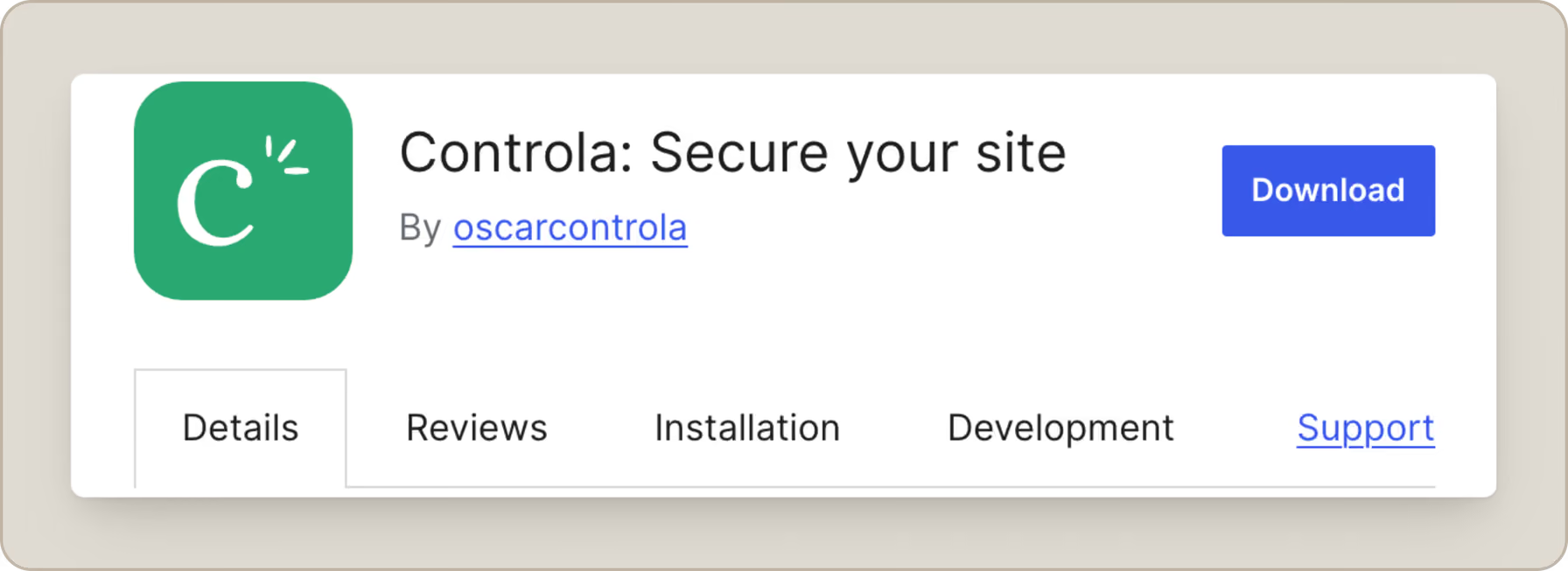
It lets businesses connect their WordPress site to Controla and spot security issues that might otherwise go unnoticed, from outdated plugins to risky settings.
Read more about how the WordPress integration works and how to get started.
Fewer app updates, more actual updates
We’ve changed how the desktop app itself is updated too. Many improvements can now be delivered in place, meaning you’ll need to download and install full new versions of the app far less often.
And a few hundred things in between
Not everything we ship deserves its own headline.
Behind all the features above, we’ve made hundreds of bug fixes, usability tweaks, performance improvements, and smaller changes across the platform. Some save a click. Some make something load faster. Some fix that one oddly specific thing someone on the team noticed at 5:47 on a Tuesday afternoon.
They all add up.
Last but absolutely not least — Controla.ai got a new look!
You might have noticed things look a little different around here.
We’ve redesigned the majority of the website, with a refreshed look and a better way to explore what Controla does.
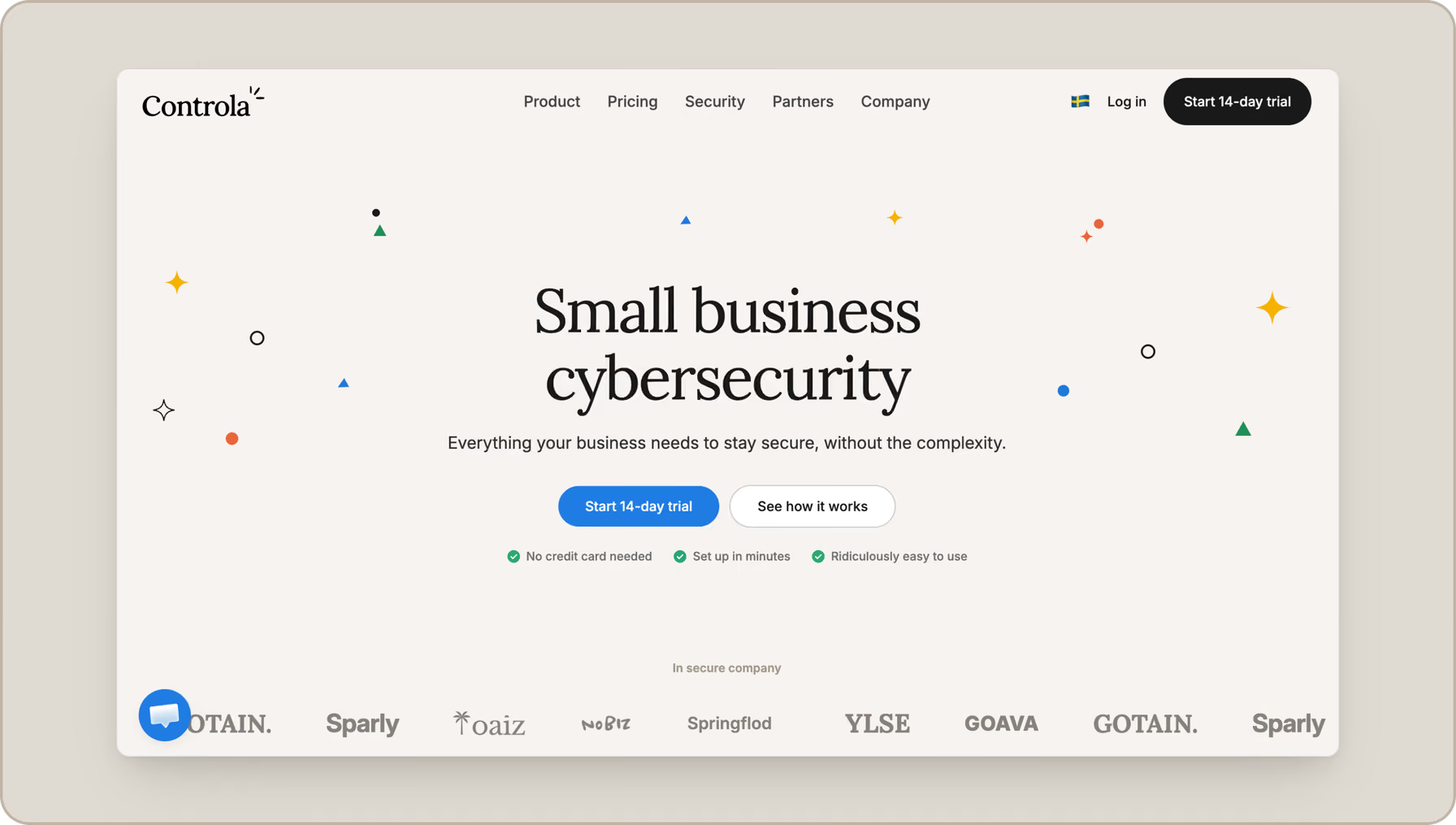
More web-related fixes are underway, so expect to see the updates continue rolling out across the site.
That’s 2026 so far
Turns out, shipping things and remembering to talk about shipping things are two different skills.
So yes, this recap was slightly overdue. We kept adding, fixing, redesigning, and occasionally moving things around to make the user experience even smoother.
There’s already more cargo. See you when the next batch ships!
Author

Thea Naree, Head of Growth and Partnerships
With a decade of experience in inbound marketing, paid search, and customer journey strategy across SaaS, B2C, and NGOs, Thea brings a rare mix of creative instinct and commercial thinking. At Controla, that means touching everything from marketing campaigns to product and the full customer experience.